
Who it's for
Ember is a clipboard first, and a colour tool on top of it. Most people want the first part. Some people want both. Find yourself below.
You have copied something today and lost it. Everybody has.
You do not need a job in design to want the last fifty things you copied. The Mac clipboard holds exactly one item and forgets it the moment you copy the next one. Ember keeps the lot, and gives it back with one shortcut over whatever you are doing.
The thing you will want in an hour
A confirmation number, a one-time code, the address someone sent you, the tracking link. Copy it, use it, and it is still there this afternoon.
The paragraph you nearly lost
You cut a sentence, got distracted, copied something else. It is not gone — it is sitting in the workbench where you left it.
Everything for one job, together
Links for a trip, photos for an insurance claim, paint colours for a room. Put them in a project and they stay together instead of scattered across notes and downloads.
Passwords are treated as passwords
Anything your password manager marks as concealed is never read. If something else looks like a key or a token, Ember offers to forget it on a timer.
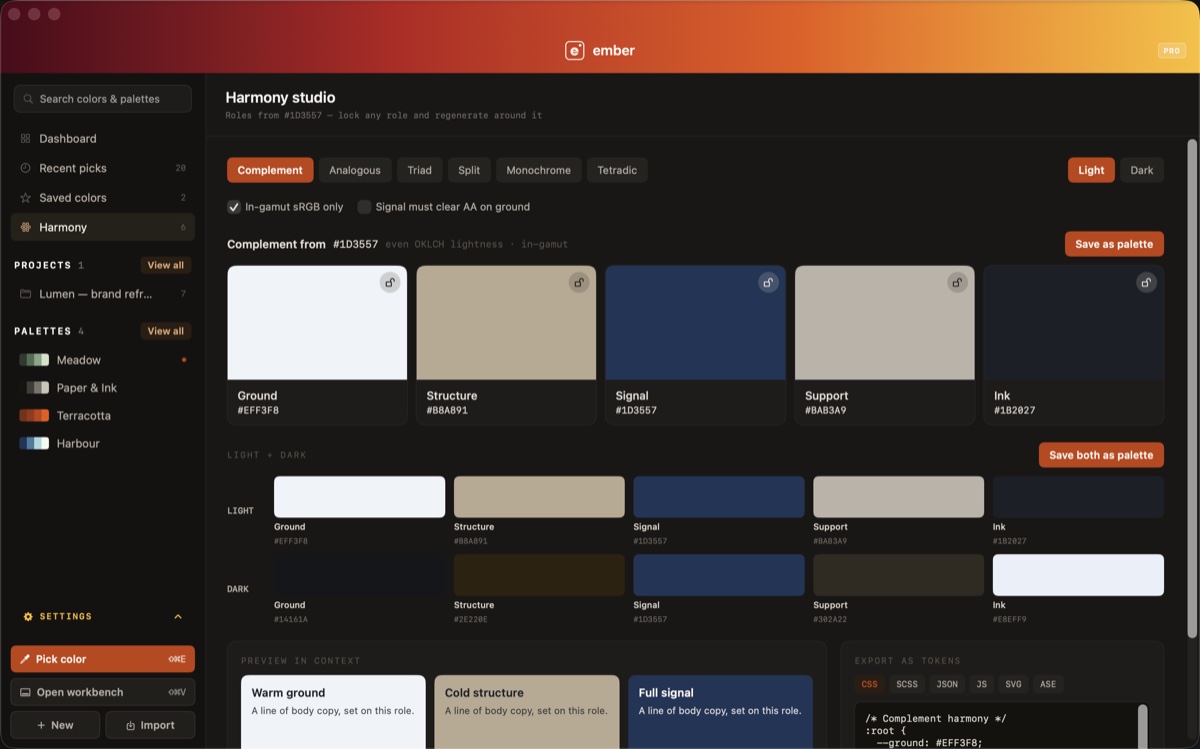
"You already keep a color system somewhere. Ember is somewhere better than a Figma page nobody updates."
Reach for: harmony roles, contrast, palettes, CSS and Tailwind export.
"Pick a color and get --brand-primary: oklch(…) — the string your codebase wants, not a hex you have to convert."
Reach for: the picker in a custom template, Tailwind export, the workbench as a clipboard for snippets.
"Pull a competitor's palette off their site in about four seconds, then build yours next to it."
Reach for: import from a website, palettes from photography, ASE for Adobe.
"Stop pasting hex codes into Slack and hoping everyone scrolled up."
Reach for: shared palettes, editor invitations, one pooled library.
See the Team plan →"Pull a palette out of a frame you already painted, at the saturation your display is actually showing."
Reach for: wide-gamut picking, sample averaging, multi-pick, palettes.
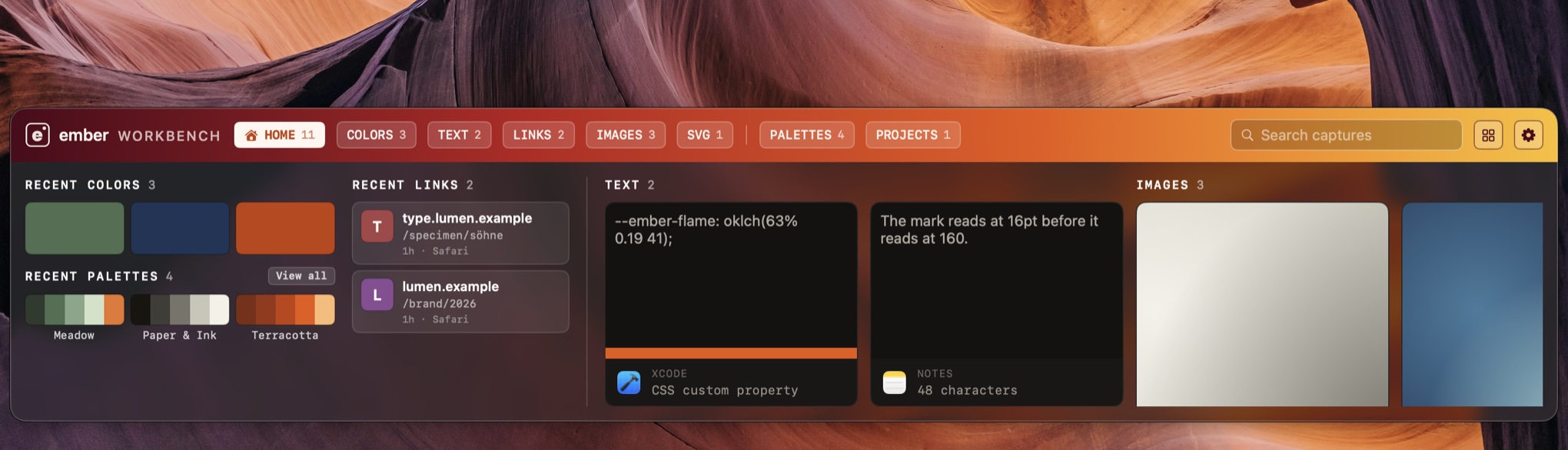
"If you've ever copied something because you might need it later, Ember is for you. Colors, images, links, text and files stay searchable instead of disappearing into yesterday's clipboard."
Reach for: the workbench, source app icons, pinning, search.
See yourself in there?
Free forever. Nothing to lose by trying it.