
Nothing you copy
goes missing again.
Ember is a clipboard for Mac that keeps everything — text, links, images, files, colors — and hands it back a keystroke later. It picks colors off your screen and builds palettes too, so one app covers what usually takes three.
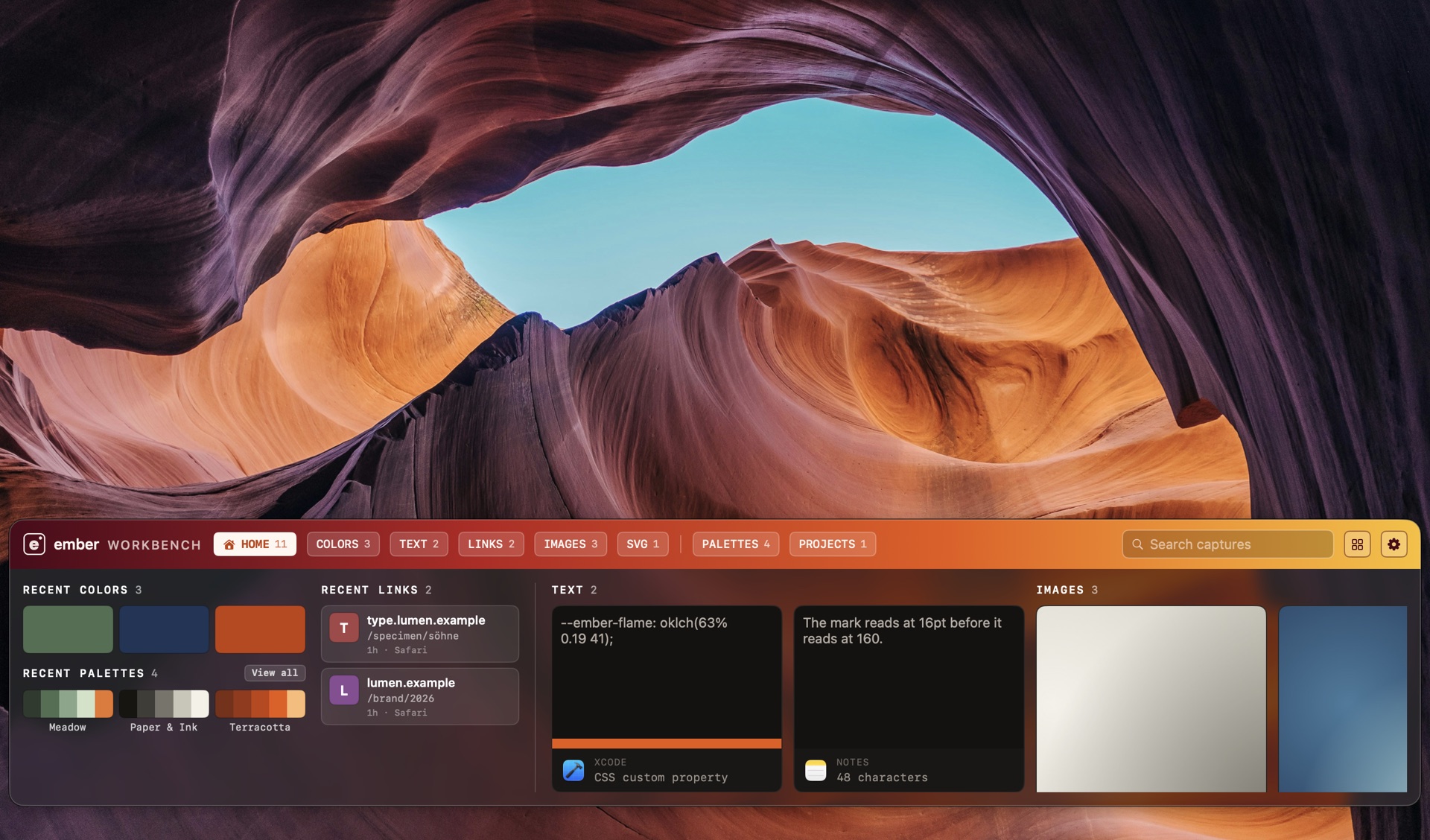
It's all still there
Everything you copy is kept — an hour ago, last Tuesday, before lunch. Nothing quietly falls off the end.
Find it in a second
One shortcut, then type. Search everything you've ever copied without leaving the app you're in.
More than text
Links, images, files, SVG, rich text and colors — each one kept as what it actually is, not flattened to a string.
One app, not three
Clipboard, color picker and palettes in one place, so your workflow doesn't need a stack of apps to hold together.
One shortcut, and everything you've picked, copied or imported is right there — colors, palettes, whole projects — over whatever app you're already in.
No window to switch to. No need to open the full app to find a palette or check a project. It comes to you, does what you need, and gets out of the way when you're done.
Press a shortcut, click a pixel, and the color lands straight in the workbench — already in the format your work uses.
Paste a website or drop in an image, and what Ember finds lands in the workbench too — ready to keep or turn into a palette.
Who it's for
macOS 15 or later. Apple silicon and Intel.
Free forever. No account required to start.
Download free